
Compact and table arcades
Bartop Arcade Machine: Build or Buy and Check the Fit
On this page10
- Choose assembled, kit or empty shell
- Make a counter-fit worksheet
- Check the display and both play positions
- Fit the control bodies as well as the button caps
- Prove the system on the bench
- Dry-fit the enclosure before final assembly
- Compare complete budgets and used condition
- Use a failed check to choose the next step
- Frequently asked questions
- Verdict
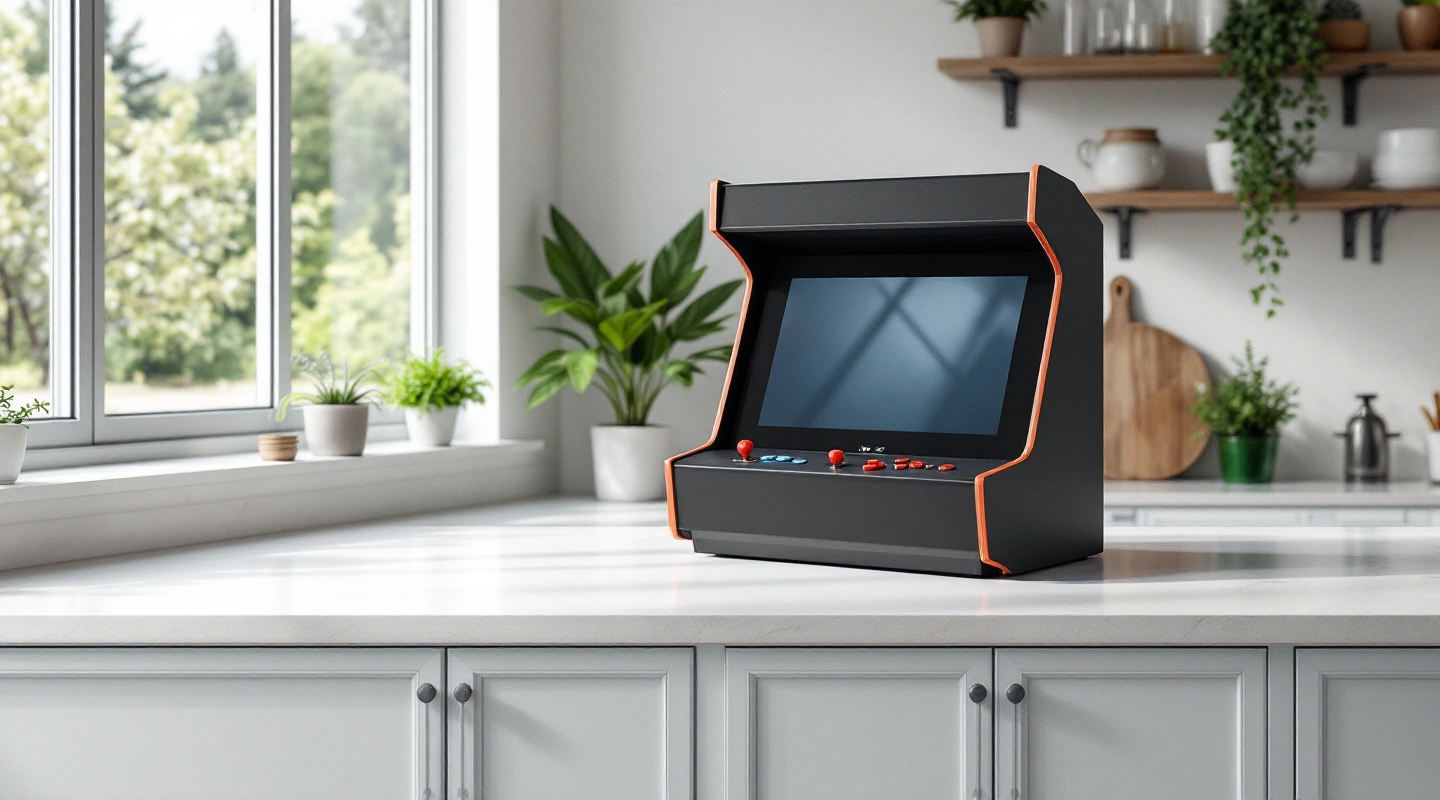
A bartop arcade machine sits on a counter or desk, so its furniture is part of the setup. Work from the usable surface and finished control height upward. Then choose whether you want an assembled unit or a project with a separate screen, controls and computer.
Choose assembled, kit or empty shell
An assembled bartop should name its installed display, control system, power supplies and game access. Ask what normal setup remains. “Complete” is not an itemized contents list, and a photographed stand or screen may be optional.
A kit may contain only cut panels and fixings. Read the exact plan before choosing electronics: the screen opening, mounting arrangement and control cutouts constrain what can fit. Our cabinet kit comparison separates the shell designs from their missing parts.
An empty used shell adds inspection and rework. Existing holes can force an unsuitable control layout, and a former screen opening may not accept a modern enclosed display. Use the empty cabinet checklist before treating it as a shortcut. For a first project, the DIY sequence puts the electronics bench check before final assembly.
Make a counter-fit worksheet
Measure the flat usable area, excluding raised trim and the space taken by a wall or rear plugs. Check the furniture's actual condition and documented load. Keep the cabinet base fully supported in the placement the maker permits.
| Measurement | Record | Check against |
|---|---|---|
| Surface width and depth | Clear flat area | Full base and rear connectors |
| Furniture height | Floor to supporting top | Final control height with cabinet added |
| Overhead clearance | Shelf or sloping ceiling | Cabinet height and vent requirements |
| Side space | Hands and access | Both players' elbows and shoulders |
| Seat position | Actual seat or standing stance | Screen view and knee space |
| Power route | Outlet and correct supply | Lead length without tension or trip points |
Scroll for more →
Mark the base on the surface and add a cardboard screen at the intended height. Try the seat and normal approach to the controls. Open nearby cupboard doors and drawers during the trial. A layout that works only with a door permanently shut can be inconvenient in daily use.
The dimensions worksheet can screen your own measured cabinet. Its named full-size examples are not dimensions for a generic bartop. Furniture support and reach still need the separate checks above.
Check the display and both play positions
Look at the whole image, including score text and menus, from the intended seat or stance. On a shared deck, the outer player sees a different angle. Try both players together rather than testing one empty position at a time.
Keep the game image's orientation separate from the panel diagonal. A wide screen and a portrait game do not use the picture area in the same way. The monitor guide also distinguishes visible image area from the complete display case, mount and plugs.
Check glare at the time you expect to play. A lamp or window can reflect in the screen even when a front-facing product photo looks clear. Adjust the room position where permitted; do not assume the display can tilt after installation. For a build, prove the screen and its allowed mount before cutting the finished bezel.
Fit the control bodies as well as the button caps
The top needs hand space; the underside needs switch bodies, retaining nuts, lever plates and cable bends. Trial the real parts in a scrap panel made from the finished material stack. A button cap can fit the drawing while its fixing nut hits a brace underneath.
Use the button layout tool for hole centers and envelope collisions, then check its printed calibration line. The tool does not establish comfort. For shared play, try both stations with the intended games and distinguish simultaneous play from alternating turns.
Leave a service route to the connectors and panel fasteners after the display is installed. A removable control panel is useful only if you can reach its fixings in the finished cabinet and room position.
Prove the system on the bench
- Start the computer with a known working display and its correct supply.
- Connect one documented control interface and confirm the host sees it.
- Map menu controls and game inputs separately; check start, credit, exit and normal shutdown.
- Add the remaining station and try simultaneous inputs where the game supports them.
- Save the software version and input maps before moving the parts into the shell.
MAME's control reference distinguishes menu and game controls. A menu responding to a stick does not prove every game is mapped. The input-path guide follows the encoder route, and the Pi guide provides a concrete board-and-image starting setup.
Use only game files you have permission to use. The MAME guide keeps emulator software, game files and version requirements separate. A seller's large preloaded library does not settle those rights.
Dry-fit the enclosure before final assembly
Use the real sheet thickness throughout the plan. The blueprint worksheet shows how it changes the space between sides. Our wood guide explains stock, joints and dust precautions.
Check how the complete display enters the case and how its mount can be tightened. Lay out cables before fixing the computer shelf. Keep plugs clear of rear panels, preserve the equipment's ventilation and retain protective cases. If the case does not fit, revise the enclosure or choose different documented equipment; do not expose mains-powered hardware to recover space.
Keep button-switch wiring separate from any LED supply and use the exact board instructions. Do not assume a successful switch input proves that a light circuit has the correct voltage. After closing the cabinet, recheck startup, every station, normal exit and cooling under the equipment maker's instructions.
Compare complete budgets and used condition
List the shell, screen, mount, computer, controls, interface, wiring, audio, supplies and furniture. Add quoted delivery and any required tools. Keep optional decoration separate. The cost guide explains why a small control-parts subtotal is not the price of a complete machine.
For a used bartop, ask for photos of the actual base and joints, a fitted-parts list and a normal-play demonstration. Check every station, return to the menu and shut down. Attract mode alone does not demonstrate the controls. Retain known faults and confirm which supplies and cables are included; the used arcade guide covers the transaction in more detail.
Before collection, use the unit's permitted handling instructions and packing arrangement. Do not lift by trim or a control deck unless the maker permits it. A small case can still contain a heavy display.
Use a failed check to choose the next step
| Failure | Next step |
|---|---|
| Base fits but controls are too high | Revisit the combined furniture and cabinet height with the real seat |
| Display fits but plugs hit the back | Revise the allowed cable route before closing the case |
| One station works but shared play fails | Check host and game mappings before changing the panel |
| Case closes but service access disappears | Rework removable panels and tool access before final fixing |
Scroll for more →
Keep the known-good image and input maps with the finished parts record. After a hardware change, repeat the relevant bench check before assuming the previous map or supply still applies.
Frequently asked questions
Is a kit the same as a complete cabinet?
No. Use the seller's exact contents list. A shell kit can leave every electronic component to you, while a bundle may include only some of them. Keep required missing parts in the budget before comparing it with an assembled machine.
Can every two-player bartop seat two people comfortably?
No. Check the actual stations and game mode, then try both players at a full-size mockup. Include hands, shoulders, knees and each person's view of the screen. A two-player software label does not answer those physical questions.
What should the first finished-cabinet check cover?
Start through the normal route, play a small known game set with each station, return to the menu and shut down correctly. Check that cables are free, vents remain clear and the base sits as planned. Save the settings and note any substituted parts.
Verdict
Choose a bartop from the counter upward. Settle furniture, reach and screen view before comparing themes or game counts. Build only if the remaining woodworking and software setup are part of the project you want. Otherwise compare the ready-made tabletop options.