
Arcade controls and upgrades
Arcade Machine Monitor: Size, Orientation and Inputs
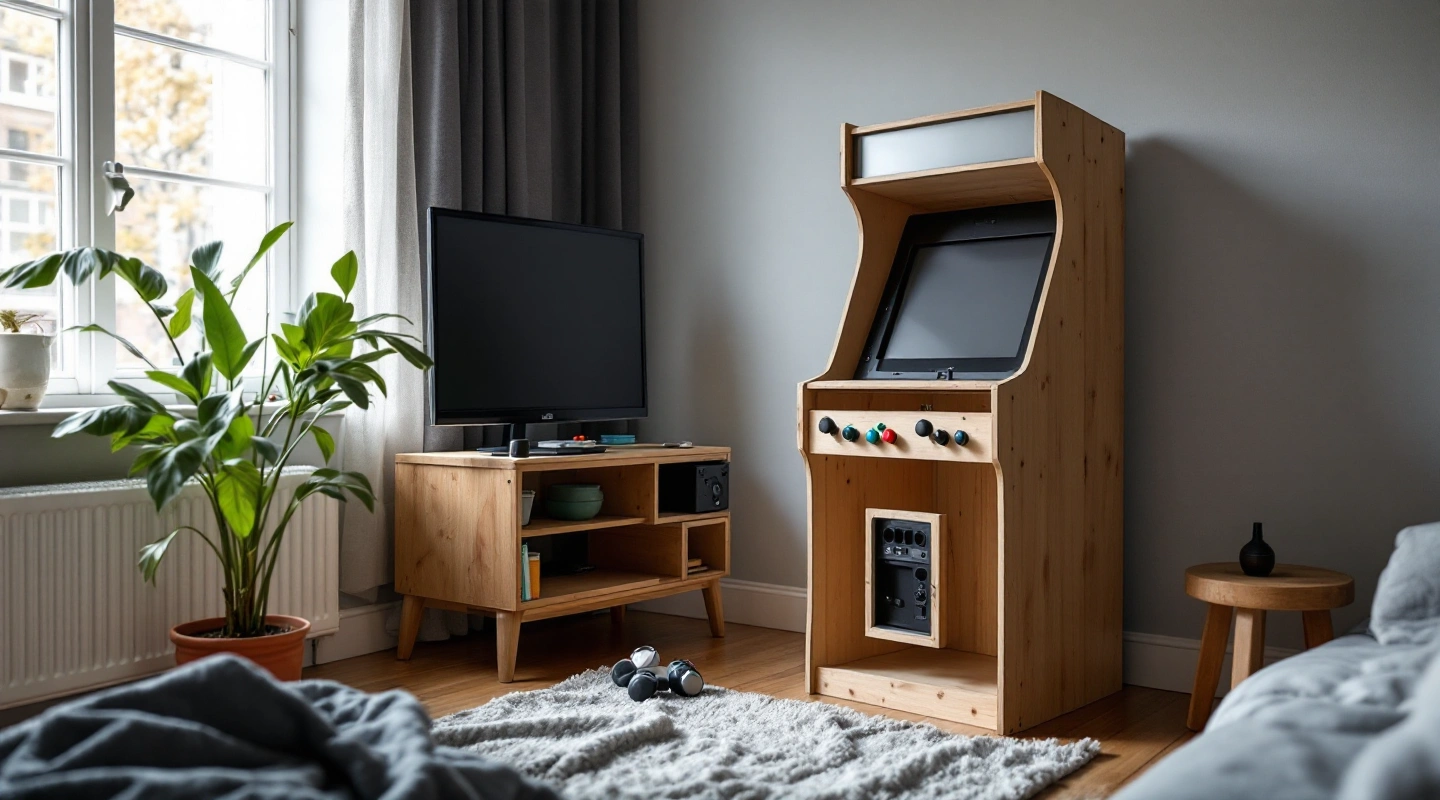
On this page7
An arcade machine monitor has to fit two systems: the cabinet around it and the computer or game board feeding it. Measure the opening before choosing a diagonal size. Then check the exact display's signal inputs and mounting instructions. A screen that fits the wood can still show no usable picture.
For a new home build, a complete enclosed flat display with a sourced mount is the simpler starting point. Keep the display's own power supply and case intact. Record its outer size, image area and input, plus the mount pattern. For an old cabinet or an unknown game-board signal, identify the existing equipment before planning a replacement.
Measure the arcade machine monitor opening
Make a front-view sketch with three rectangles. The first is the cabinet opening. The second is the visible image behind the bezel, the trim that surrounds the screen. The third is the whole display case, including any controls, cable plugs or feet that remain fitted.
A manufacturer's screen size usually refers to a diagonal. It does not give the outside case width. It does not tell you how much of the picture a bezel will cover. Measure the free space behind the opening as well as the opening itself. A wider rear case can hit a side panel even when the front glass seems small enough.
Use a paper rectangle to test the proposed image area. Place it where the display will sit. View it from the expected standing or seated position. A wide screen mounted close behind a narrow opening may hide menus or score areas at the edges. Solve that in the design, not by stretching the picture.
Match aspect ratio and orientation
Aspect ratio is the image's width compared with its height. A landscape display turned upright changes the available viewing area. It does not turn every game into a portrait game. The software must render the image in the right direction, and the display maker must allow that installation position.
For a new flat panel, use the native resolution where the computer and game permit it. Keep the game's image proportions. Black space around an older image is often a better result than a stretched picture. A circle should remain a circle after scaling.
MAME's on-screen interface documentation describes video and system settings. Those settings affect the image the software sends. They do not establish the electrical input range or physical mounting limits of the monitor itself. Use the display manual for those facts.
Build the front bezel after a real image check. Show a game menu, score display and play scene. Look at them from each player's position. A cabinet with a single viewing angle may hide a problem that becomes clear when a second person stands at the other side.
Identify the signal before buying an adapter
The MAME system introduction lists the current software's host requirements. A cabinet PC is a different signal source from an original arcade board. Do not treat a board's edge connector as a modern display socket.
Keep a short signal record:
- Source: exact computer, video output or arcade board.
- Output: connector and sourced signal type.
- Display: exact model and accepted input modes.
- Conversion: any adapter or scaler, with an explicit input-to-output match.
- Audio: separate route if the display does not carry sound.
A plug that physically fits proves very little. A passive lead cannot be assumed to translate one signal standard into another. An unknown original board needs an identified manual and a compatible interface before power is applied. This guide gives no mains-voltage or CRT service steps.
Check the case and mount, then ventilation
An enclosed screen may have mounting holes behind its stand. Check the exact hole pattern and screw length. A screw that reaches too far into the case can damage the screen. Use the display and bracket makers' instructions together. Do not pick a screw just because its thread fits.
VESA's mounting overview explains its flat-display mount standard. If your manual names VESA, record the exact pattern it specifies. The name alone does not give the screw length or prove a bracket suits your screen.
Do not remove a case just to make the screen fit. That changes the protection and cooling, plus the mounting arrangement. A bare arcade panel or an old CRT requires a different installation plan from a normal enclosed desktop monitor. This page does not supply that plan.
Keep cable access in the sketch. A rear-facing plug needs clearance behind the display. A side-facing plug needs room beside it. Check that a service panel can open after the cabinet is against the wall. Do not let a cable become a prop that holds the display at the desired angle.
Vent openings also need their own space. A close-fitting bezel must not seal them. Check the maker's allowed orientation and vent clearances for the exact screen. There is no universal rear gap that proves every monitor will cool correctly in a wooden cabinet.
Make an arcade machine monitor fit record
Use one record per candidate. Do not merge the case dimensions of one revision with the inputs of another. Photograph or copy the model code into your own worksheet, then link its manual. If the mounting drawing is missing, mark that field unknown rather than guessing from a product photo.
| Field | What to record | Decision |
|---|---|---|
| Visible image | Width, height and orientation at the chosen settings | Fits the bezel without stretching or losing controls |
| Complete case | Outer width and height; case thickness and protruding plugs | Fits the cavity and service route |
| Input | Documented connector and accepted signal modes | Matches the source or an explicitly compatible converter |
| Mount | Pattern, allowed screws and bracket requirements | Uses a sourced installation arrangement |
| Power | Maker-supplied supply and local outlet requirements | No improvised wiring or open power parts |
Scroll for more →
The blank record is deliberate: it prevents a generic “arcade screen” label from becoming a fit promise. Pair it with the cabinet dimensions checker for the outer enclosure. The display needs a separate internal cavity check.
Frequently asked questions
Will any computer monitor work in a MAME cabinet?
No. It must accept the computer's output and fit the case and bezel, as well as the mount. It also needs a viewing angle that works for the chosen players. Check the exact display manual and the image at the chosen settings before making the final bezel or drilling mounting holes.
Can I replace a CRT with an LCD?
That is a signal and installation question, not a size-only swap. Identify the original board and its output, then the proposed display's accepted inputs. This guide does not cover opening or repairing a CRT, including discharge work. Keep unknown high-voltage equipment outside a new DIY installation plan.
Does a larger diagonal give a larger useful picture?
Not always. A wide display can leave unused space around a portrait game, while a bezel may hide more of its edges. Compare the actual image rectangle in the chosen orientation. Check menus and score areas too. The diagonal alone does not describe the part of the picture you will use.
Should the controls be fitted before the display?
Mock up both before fixing either. Lever and button bodies can occupy space under the control panel, while the display case or bracket may project into the same area. Check a side view and a top view together. Leave a workable route to unplug and replace the display later.
Verdict
Select an arcade machine monitor with a complete fit and signal record. Confirm the manual and image, then the mount before closing the cabinet. Continue with the cabinet construction sequence to place that checked display alongside the controls and braces, plus access panels.