
Arcade controls and upgrades
Arcade Button Layout: Plan and Print Your Panel
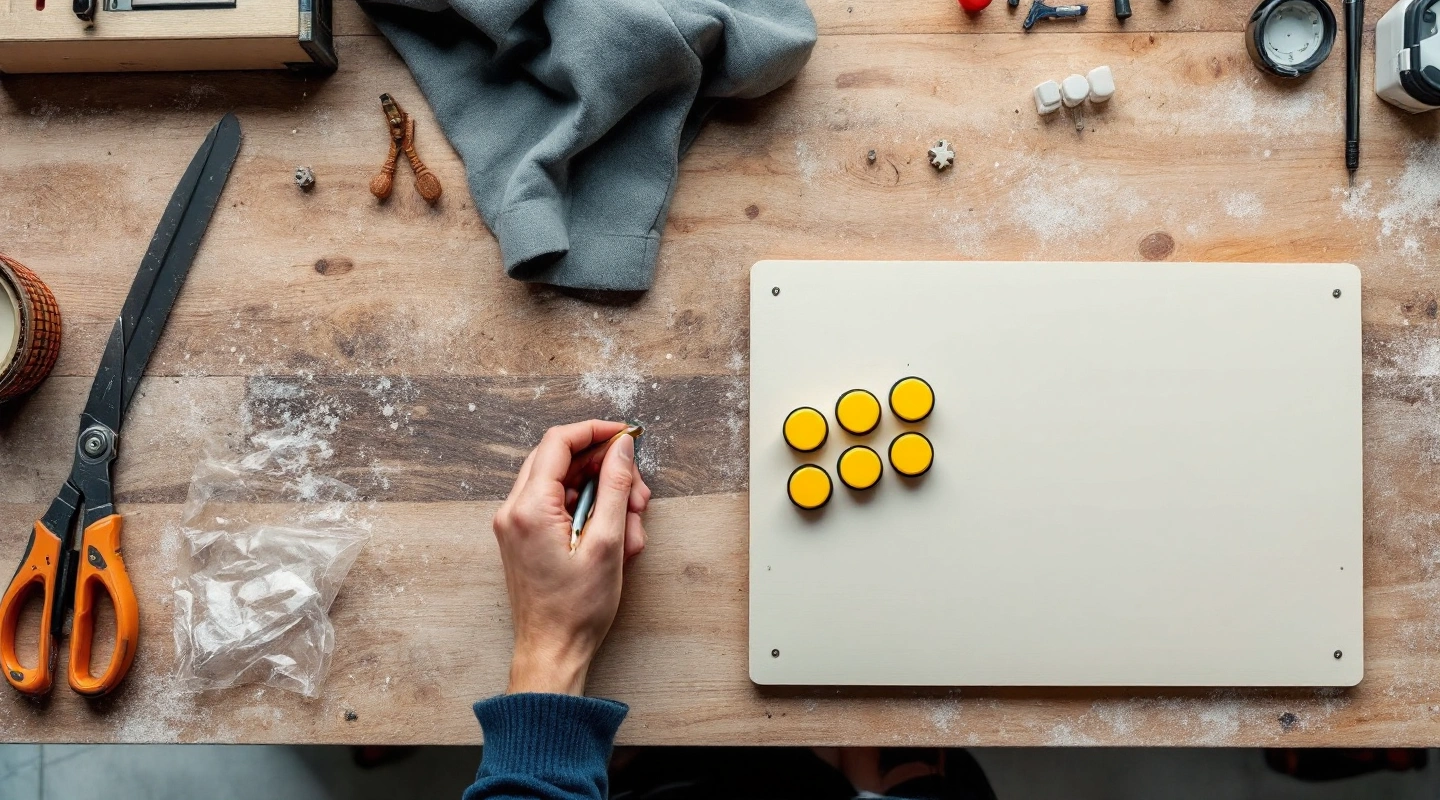
Try a measured panel layout
Start with a documented hole size. Spacing and lever envelopes are editable examples, not an ergonomic standard.
Print calibration: the line below must measure 100 mm at actual size.
Model measurements and manual worksheet
Adafruit 3488: 30 mm hole, approximately 15 mm maximum panel thickness. Adafruit's other arcade-button guide: 26 mm clearance-hole example. Ultimarc GoldLeaf: mounting thickness up to 19 mm; hole not assumed from that thickness. Verify the exact part, rim, nut and connector space.
Manual worksheet: write panel width/depth, hole and rim diameters, row spacing, first center, player separation and lever rectangle. For each column i and row j: x = first x + i × horizontal spacing + chosen row offset; y = first y + j × vertical spacing. Add station separation for player two. Circle overlap: center distance less than the sum of radii. Print at actual size and check both axes. No drilling guarantee.
Planning aid only. The entered lever envelope and button rim must match real parts. No tested comfort claim, safe-drilling guarantee or automatic print tiling.
Compare button sizes and mounting optionsOn this page7
An arcade button layout is a set of hole centers, not just a picture of a control panel. The pattern must leave room for hands, button bodies and wiring, plus the joystick mount. Use the adjustable worksheet below to try a layout before you cut wood.
Begin with one player and six buttons if that matches your games. The starting pattern is an original straight grid, not a tested comfort standard. Set the hole and body sizes from the exact part sheet. Print the coordinate sheet, measure its calibration line, and make a scrap-panel mockup before marking the finished panel.
Arcade button layout choices start with the games
A game that uses one fire button needs a different panel from a fighting game. Write down the controls for the titles you plan to run. Add player start, coin input and any menu controls as separate parts of the design. Do not tuck them into a tight space left over at the end.
The tool offers four, six or eight action buttons per player. These are counts for planning. They do not promise a game will use every button.
The four-button option uses two rows of two. Six uses two rows of three. Eight uses two rows of four. A staggered lower row is an editable alternative, not a copied commercial pattern.
For two players, the second station repeats the first at the entered center-to-center distance. That field is not the gap between the outer button rims. Stand both players at a paper mockup. Check that their elbows and lever hands have space at the same time.
Set hole diameter, rim size and panel thickness
Adafruit's product 3488 specifies a 30 mm mounting hole and material up to about 15 mm thick. That is one button family. Its size must not become a rule for every button sold as an arcade part.
Adafruit's separate arcade-button guide describes other buttons with a different thread and clearance hole. A label such as “30 mm button” may describe a cap or a family name. Read the actual hole requirement for the part in your hand.
Keep these measurements separate:
- Hole diameter: the opening cut in the panel.
- Body or rim envelope: the largest circle that must fit beside another part.
- Mounting depth: the space below the panel, including terminals and a gentle wire route.
- Panel thickness: wood, artwork, clear cover and any backing together.
The worksheet starts with the sourced 30 mm hole. Its larger body envelope and its spacing are editable planning gaps. Measure your own parts. A hole overlap check alone cannot detect two nuts that collide below the surface.
Preview reach and joystick clearance
The lever envelope is a rectangle around the whole mounting area, not only the shaft hole. Enter the dimensions from the maker's drawing or your measured mounting plate. Allow for fasteners and connectors, plus the moving parts beneath it. No lever mounting size is assumed to fit every joystick.
The diagram marks a collision if a button body circle intersects that rectangle. It also checks the panel edge and the gap between buttons. These are geometric checks. A panel can pass them and still feel cramped or place a wrist on a hard edge.
Rest your hands on a full-size paper copy. Try both rows without moving your shoulder each time. Ask the other chosen player to do the same. If one pattern feels wrong, move the centers and print it again. This is a useful check that a small on-screen diagram cannot replace.
Remember the panel's underside. A shelf, screen bracket or side batten can occupy the space under an otherwise clear hole. Put a paper side view beside the top view. Mark the connector depth and the route to the input board before you settle the panel height.
Print your arcade button layout at actual size
The coordinate worksheet is the dependable fallback. Each button has a center measured from the top-left panel corner. The SVG uses millimeters internally. Changing units changes the displayed numbers, not the saved physical layout. One inch equals 25.4 mm.
For a straight row, the next center is the first center plus the entered horizontal spacing. A second row adds the vertical spacing. The staggered option adds the entered row offset. For the second player, add the player separation to every first-player x coordinate.
The printable drawing is kept at its physical size. It does not shrink to fit the paper. Select Letter or A4, use landscape orientation, and choose actual size in the browser or printer dialog. The page reports when the panel is larger than the chosen sheet's printable area. In that case use the coordinate worksheet or a larger paper service; do not join cropped fragments by eye.
Measure the 100 mm calibration line with a real ruler. If it is short or long, correct print scaling before proceeding. Check a distance in both directions as well. A successful calibration does not remove the need to confirm the hole centers on scrap.
Check before drilling
Work through the panel in this order:
- Record the exact button and lever part numbers.
- Confirm the hole and rim dimensions, plus the nut and mount measurements from those parts.
- Add start and menu buttons to your paper plan.
- Check the underside against shelves or braces, as well as cables.
- Print and measure the scale line.
- Build a scrap mockup and fit the real hardware.
- Transfer the checked centers to the finished panel.
Use the cutting tool's instructions and guards. Keep the work supported. The worksheet supplies no drill speed, structural fastening claim or electrical wiring plan. See the cabinet build sequence for the order in which the panel meets the rest of the enclosure.
Frequently asked questions
Is there one best arcade button spacing?
No spacing fits every hand, button body and game. The editable starting grid is a planning example. Check the real mounting envelopes first, then test reach on paper and scrap. A pattern with no geometric collision can still put a wrist or elbow in an awkward place.
Can I print the diagram on two sheets?
This tool supplies a full-size SVG and a coordinate worksheet. It does not create a tiled drilling template. If the scale status says the panel exceeds one sheet, use the coordinate sheet to mark centers, or have the SVG printed on large paper. Keep the calibration check.
Does the hole size include the button rim?
No. The mounting hole, visible rim and underside nut can have different sizes. Enter the hole for cutting and the larger measured envelope for collision checks. Leave room for terminals and cables below the panel. Confirm thickness against the maker's stated mounting range as a separate step.
Can this check whether my joystick will fit?
It checks only the rectangle and position you enter. It does not know the real plate, shaft height, screw pattern or cable bend. Read that joystick's drawing and test the parts in your mockup. A passing rectangle check is not an assurance of mechanical or electrical compatibility.
Verdict
Keep an arcade button layout measurable. Match the pattern to the games, check the complete hardware envelopes and verify the printed scale. For the next design step, use the cabinet blueprint worksheet to place the checked panel within the enclosure.