
Arcade controls and upgrades
Arcade Light Gun: Display and Software Compatibility in 2026
As an Amazon Associate, this website earns from qualifying purchases.
The short answer
The GC01 is for a supported Polymega system and its documented light-gun games. The maker identifies optical positioning and a cord. It is not established as a general PC or MAME controller. Check the exact game region and known mode limits; Remix buyers also need to resolve its planned-support wording before ordering.
Our pick
- 1Supported Polymega system
 Polymega Retro Gun Controller GC01Polymega Retro Gun Controller GC01
- Maker names Sinden optical positioning
- Analog stick and 8-foot cord listed
- For Polymega systems only
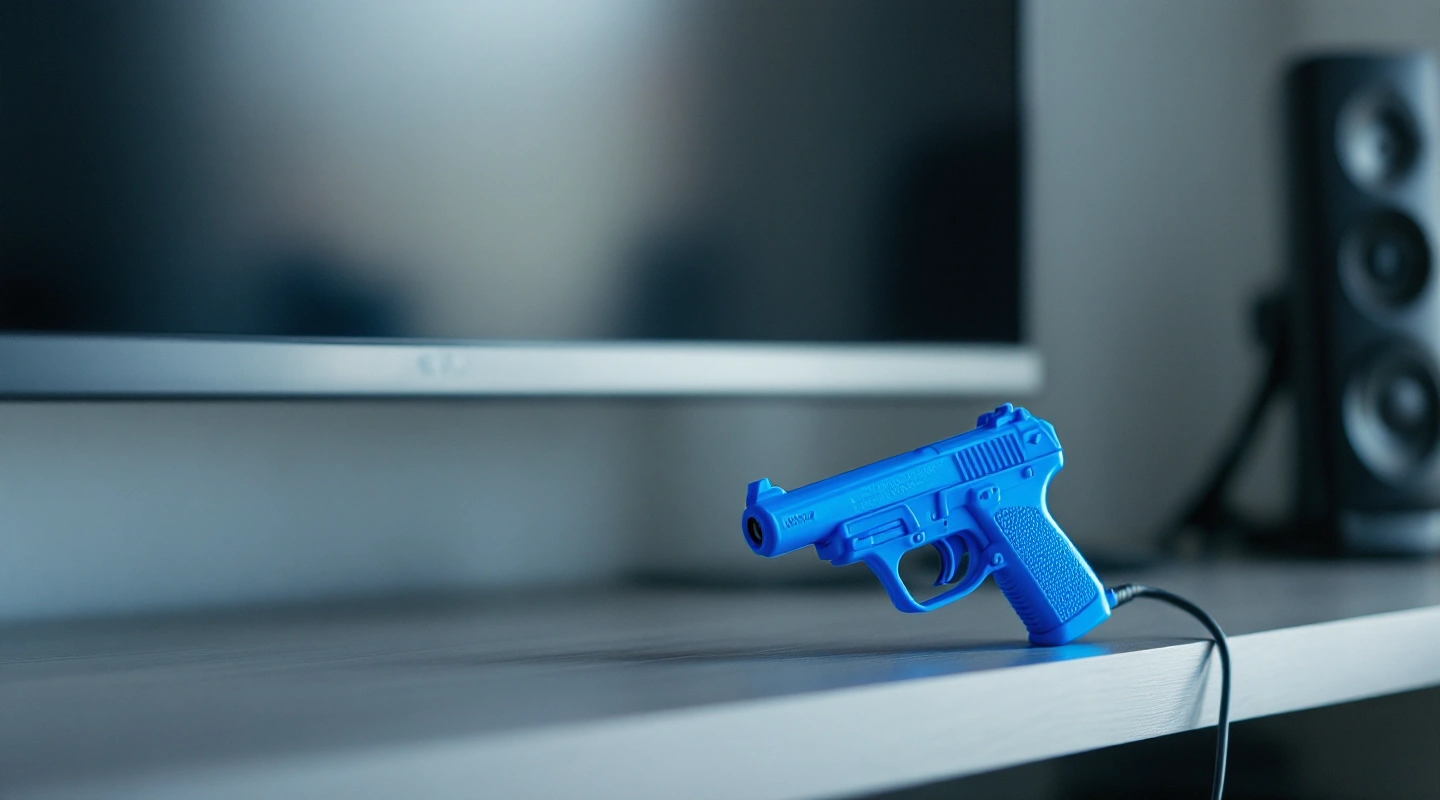
An arcade light gun needs a stated path through the display and game system. The Polymega GC01 is a narrow choice for that task. It is made for supported Polymega systems, rather than general PC or MAME use. Choose it only after checking your console model and the games you want to play.
Polymega Retro Gun Controller GC01
Polymega Retro Gun Controller GC01 Polymega Retro Gun Controller GC01
Our verdict:
Supported Polymega system
For an existing supported Polymega setup after checking exact game regions and modes.
View on Amazon- Maker names Sinden optical positioning
- Analog stick and 8-foot cord listed
- For Polymega systems only
Keep in mind: Check current Remix support and the game-list exceptions before ordering.
The GC01 product page names Sinden optical system. It lists an analog stick, an orange tip and an 8-foot cord. Those are useful hardware details. They do not establish a measured response time or prove how the grip will feel to you.
The key limit is the host. Polymega states that the gun is for its systems only. A USB-style connection, a familiar game or a similar shell does not make it a PC gun. Keep that limit attached to the purchase rather than treating the product name as a promise of broad support.
| Documented feature | What still needs checking |
|---|---|
| Optical positioning named by the maker | Use the GC01 setup instructions for your display |
| Analog stick and cord | Plan cable reach without assuming wireless use |
| Polymega-only use | Confirm the exact console or app version |
| Published game support list | Read the region and mode exceptions |
Scroll for more →
What to check before ordering
Start with the machine that runs the games. Record its full name, software version and display. A standalone Polymega base unit and the Remix app route are different cases. The current FAQ still describes GC01 support for Remix as planned.
Do not transfer a base-unit claim to Remix.
The changelog records GC01 support on Polymega. It does not remove every game-specific limit. Check its context and the exact system named. An update note for one platform is not a blanket answer for every product in the range.
The product page describes HDTV use. For a different display, obtain the exact maker guidance first. This review does not establish CRT or projector support. It also does not give a universal play distance.
Leave room planning open until the manual resolves the needed setup.
Check arcade light gun support by game and region
The maker publishes an official game support list. Use the entry for the game and region you own. A title appearing in a broad system list does not mean every mode works. The known-exceptions section matters as much as the main list.
The game support list describes limits affecting Polymega App support for Genesis and Sega CD games. It also names limits on some two-player modes. Read the current exceptions for the games you intend to use rather than buying from a general claim that classic games are supported.
For each game, keep a short record: title and region, host version, supported gun mode and any exception. This makes a useful shopping check. It also gives support staff a clear description if a game behaves differently after setup.
| Check | Record before buying | Why it matters |
|---|---|---|
| Host | Base unit or Remix route | Support statements differ |
| Game | Exact title and region | The maker lists specific entries |
| Mode | Solo or shared play | Some modes have exceptions |
| Display | Model and stated setup needs | No universal room distance is assumed |
| Cable | Route from player to system | The maker describes a corded gun |
Scroll for more →
Plan setup without guessing at accuracy
Follow the manual linked from the product page. Use the stated aim setup process rather than steps for a different light gun. Keep the original settings noted so a change can be undone. A working aim-setup screen is only the first check; test the supported game modes you intend to play too.
Mark where the display and player will sit or stand. Check the cable path and leave access to the system. A cord length is not the same as the correct distance from the screen. Do not stretch the cable across a walking route to make a room plan work.
When the unit arrives, compare its identity and package contents with the order. Keep the packaging while you check supported games. If a mode fails, record the game and region, then the host version and the observed result. Do not open or alter the gun to resolve an unstated pairing.
Frequently asked questions
Is the GC01 a general PC or MAME light gun?
Polymega describes use with its systems only. This review does not establish a general PC or MAME route. Choose a gun whose maker documents your intended host.
Does a listed game guarantee every mode?
No. Check the exact region and known exceptions. Some shared-play modes have limits even when a title appears in the list.
Does the cord length set the play distance?
No. It helps plan cable reach. Use the maker's manual for the supported display setup and aim setup.
Verdict
The GC01 is an arcade light gun option for an existing, supported Polymega setup. Its optical system and cord are stated, but the purchase still depends on the exact host and game modes. Remix buyers should resolve the FAQ's planned-support wording before ordering. General PC builders need a different stated route.
Keep the control-system guide and arcade joystick guide as separate checks for the rest of a cabinet.
Polymega Retro Gun Controller GC01 Polymega Retro Gun Controller GC01
Our verdict:
Supported Polymega system
For an existing supported Polymega setup after checking exact game regions and modes.
View on Amazon- Maker names Sinden optical positioning
- Analog stick and 8-foot cord listed
- For Polymega systems only
Keep in mind: Check current Remix support and the game-list exceptions before ordering.